What to Do If Your Google Business Profile Gets Suspended
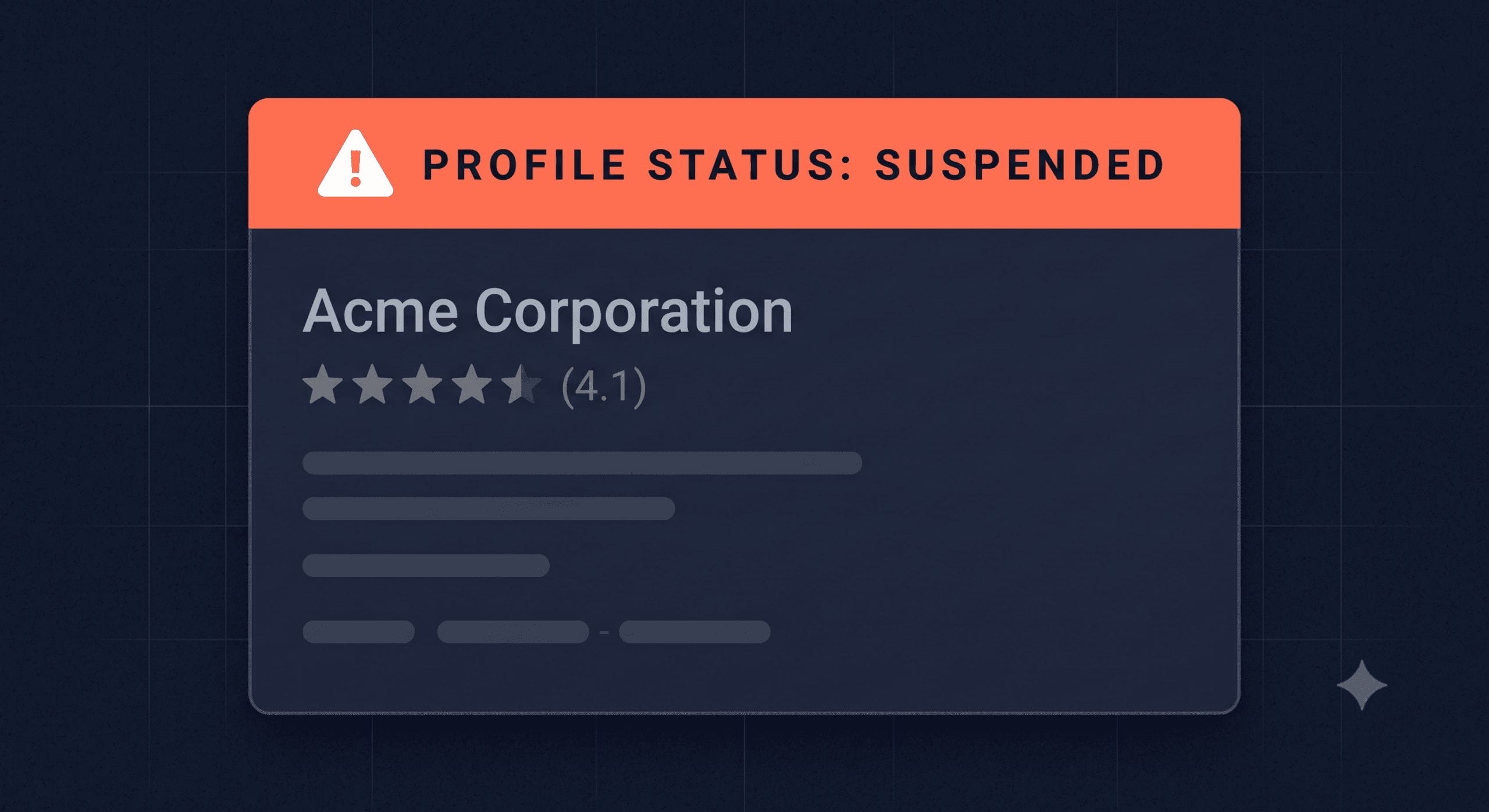
A suspended Google Business Profile means your listing has been removed from Google Maps and local search results, and for a tradesperson that means potential customers searching for your trade in your area simply can’t find you. This guide explains why Google suspends listings, what the two types of suspension mean, how to appeal, and how to avoid it happening again.
TL;DR:
If your Google Business Profile has been suspended, don’t panic and don’t create a new listing. Identify whether it’s a soft or hard suspension, fix any policy violations, then submit a reinstatement appeal through Google’s Business Profile Help form. Reinstatement typically takes one to seven days for soft suspensions and longer for hard suspensions. Act quickly because every day suspended is a day you’re invisible on Google Maps.
Contents
- What does a suspended GBP actually mean?
- Soft suspension vs hard suspension
- Why Google suspends business listings
- Step 1: Check for policy violations
- Step 2: Fix the issue
- Step 3: Submit a reinstatement appeal
- How long does reinstatement take?
- How to avoid suspension in future
- FAQ
What Does a Suspended GBP Actually Mean?
When Google suspends your listing, it disappears from Google Maps and stops appearing in local search results. Anyone searching for your trade in your area won’t see you. You lose all the visibility, calls, and enquiries that your listing was generating.
You’ll usually find out one of two ways: you notice your listing has vanished from Maps, or you log into your Google Business Profile dashboard and see a suspension notice.
The important thing is not to create a second listing to replace it. Duplicate listings violate Google’s guidelines and can make the situation worse, including triggering a harder suspension that takes longer to lift. Work with the existing listing, even if it’s suspended.
Soft Suspension vs Hard Suspension
Google uses two types of suspension, and understanding which one you’re dealing with shapes what you do next.
A soft suspension (sometimes called an unverified suspension) means your listing is no longer showing publicly, but it still exists in your Google Business Profile dashboard. You can still access and edit it. Soft suspensions are the more common type and are usually resolved through the standard reinstatement process.
A hard suspension means your listing has been completely removed. It may no longer appear in your dashboard, and in some cases it’s been permanently disabled. Hard suspensions happen in response to more serious or repeated violations. They take longer to resolve and sometimes require additional documentation from Google.
If you can still see your listing in your dashboard with a suspension notice, you’re dealing with a soft suspension. If the listing seems to have disappeared entirely, it may be a hard suspension.
Why Google Suspends Business Listings
Google is clear about the types of behaviour that trigger suspension. The most common causes for tradespeople include:
Business name violations. Adding keywords, locations, or extra words to your business name that aren’t part of your actual trading name. “Dave’s Plumbing Leeds Boiler Specialists” instead of “Dave’s Plumbing” is a common example. Google’s guidelines require your name field to match how your business is known in the real world.
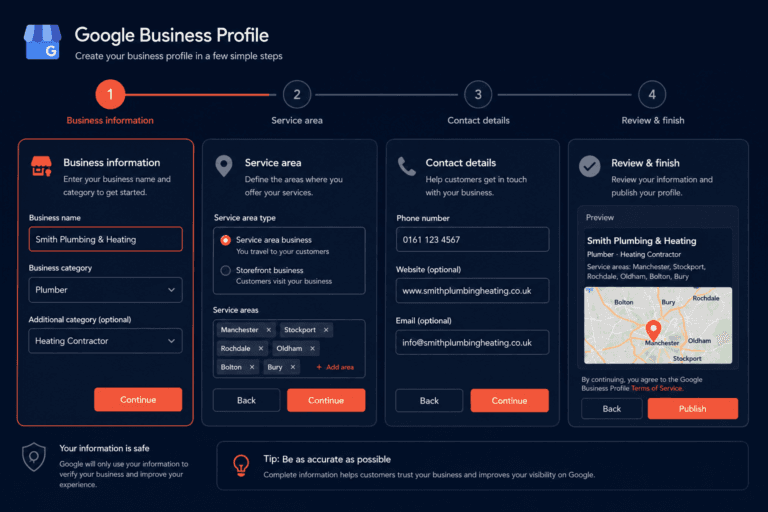
Incorrect address or location data. Listing a virtual office, a PO box, or a residential address as a storefront premises when customers don’t actually visit that location. Service area businesses should be set up as service area businesses, not storefronts with a residential address shown.
Multiple listings for the same business. If you’ve created more than one Google Business Profile for the same business at the same location, Google may suspend one or both. Each business should have one listing.
Mismatched categories. Setting categories that don’t match your actual business type, particularly where there’s a significant mismatch between your stated category and your actual services.
Suspicious activity. Unusual changes to your listing, such as a sudden change of address, phone number, and category all at once, can trigger an automated review.
Third-party violations. If someone else has claimed or edited your listing and made changes that violated Google’s guidelines, you can inherit a suspension even though you didn’t make the changes yourself.
Step 1: Check for Policy Violations
Before you submit an appeal, review your listing carefully against Google’s Business Profile guidelines. Go through each field and check:
- Business name: does it match exactly how you trade, with no added keywords or locations?
- Address: are you set up correctly as a service area business if you don’t have customer-facing premises? See our guide to service area businesses vs storefronts if you’re unsure which applies to you.
- Category: does your primary category accurately reflect your main trade?
- Website: does your website exist and load correctly?
- Phone number: is it a working number that connects to your business?
Make a note of anything that doesn’t align with Google’s requirements before moving to the next step.
Step 2: Fix the Issue
Correct any violations you found in step one before submitting your appeal. Submitting an appeal with the same policy violation still in place is likely to result in a rejection.
Common fixes:
- Remove any added keywords or location names from your business name field
- Switch from a storefront listing to a service area business if you don’t have customer-facing premises
- Remove duplicate listings if more than one exists for your business
- Update any incorrect contact details
Once you’ve made the corrections, save your changes and wait a few minutes before moving to the appeal stage.
Step 3: Submit a Reinstatement Appeal
Go to the Google Business Profile Help Centre and search for “appeal a suspension”. Google provides a reinstatement request form where you can explain your situation and provide supporting information.
When completing the form:
- Be clear and factual. Explain what your business does, where it operates, and why you believe the suspension was an error or what changes you’ve made to resolve the violation.
- Provide supporting documents where you can. A photo of your business vehicle with your trading name, a copy of a recent invoice, your Gas Safe registration, or a trade membership certificate all help establish that you’re a legitimate operating business.
- Don’t submit multiple appeals for the same listing. One clear, well-documented appeal is more effective than several rushed submissions.
Google reviews appeals manually, so the quality of what you submit matters.
How Long Does Reinstatement Take?
For soft suspensions with a straightforward policy fix, reinstatement typically takes one to seven days after a successful appeal.
For hard suspensions or cases where Google requires additional verification, the process can take two to four weeks. Some cases require back-and-forth communication with Google’s support team.
While you’re waiting, keep your other online presence active. Make sure your website is up to date, your Facebook page is posting, and you’re listed on other directories. You don’t disappear entirely from the internet when your GBP is suspended, but you do lose a significant amount of visibility, so compensating elsewhere makes sense.
How to Avoid Suspension in Future
The most reliable way to avoid suspension is to follow Google’s Business Profile guidelines consistently.
Keep your business name clean. Your trading name only, nothing added. If your business name genuinely includes a location or descriptor, that’s fine. If you’ve added one to try to rank better, remove it.
Set up correctly as a service area business. Most tradespeople should not be showing a physical address on their listing. If you’re working from home or a residential address, use the service area business setup and hide your address.
Don’t make bulk changes all at once. Changing your business name, address, category, and phone number in a single session looks suspicious to Google’s automated systems. If you need to update multiple fields, spread changes across a few days.
Monitor your listing regularly. Log into your Google Business Profile at least once a month to check that nothing has been changed, either by you accidentally or by a third party through a suggested edit. Google allows anyone to suggest edits to a business listing, and some of those suggestions can go live automatically.
For a full picture of how to keep your listing healthy and well-optimised, see how to optimise your Google Business Profile to rank in the Local Pack.
FAQ
Why has my Google Business Profile been suspended?
The most common causes are a business name that includes added keywords or locations beyond your actual trading name, being set up as a storefront when you don’t have customer-facing premises, having duplicate listings, or making changes that triggered an automated review. Check your listing against Google’s guidelines before appealing.
How do I appeal a GBP suspension?
Go to the Google Business Profile Help Centre and find the reinstatement request form. Fix any policy violations first, then submit an appeal with a clear explanation of your business and any supporting documents that confirm you’re a legitimate operating business.
How long does Google Business Profile reinstatement take?
Soft suspensions with a straightforward fix typically take one to seven days after appeal. Hard suspensions or cases needing additional verification can take two to four weeks. Submit one thorough appeal rather than multiple quick ones.
What is the difference between a soft and hard GBP suspension?
A soft suspension means your listing is hidden from public view but still accessible in your dashboard. A hard suspension means the listing has been removed entirely and may no longer appear in your account. Hard suspensions are more serious and take longer to resolve.
Can I create a new listing while my original is suspended?
No. Creating a duplicate listing while your original is suspended violates Google’s guidelines and can result in both listings being suspended or permanently removed. Work with your existing listing through the appeal process.
Will I lose my reviews if my GBP is reinstated?
In most cases, no. Reviews are tied to the listing itself, and a reinstated listing typically retains them. Hard suspensions where the listing is permanently removed are the exception, and in those rare cases the reviews may not be recoverable.
What documents help a GBP reinstatement appeal?
Anything that proves your business is real and operating: a photo of your branded vehicle, a recent invoice with your trading name and address, a Gas Safe or NICEIC registration certificate, a trade association membership card, or a copy of your public liability insurance. The more evidence you can provide, the stronger your appeal.
The Bottom Line
A suspended Google Business Profile is serious but fixable in most cases. Don’t create a new listing, don’t submit multiple appeals, and don’t rush the process. Fix the issue that caused the suspension, document your business thoroughly, and submit one clear appeal.
If you haven’t already set your profile up correctly from the start, our setup guide covers everything you need to get it right and keep it that way.
Not sure how your listing looks to Google right now? Get your free Local Visibility Report at neonlobster.ai/local-visibility-report/ and I’ll show you exactly what customers and Google see when they search for your trade in your area.
From Gigi, The Neon Lobster
Want to know exactly where you stand in local search?
We’ll scan your Google Business Profile, your reviews, and your map pack visibility. Then we’ll send you a personalised Local Visibility Report showing what’s working, what’s missing, and what it’s quietly costing you each month. It’s free, it takes two minutes to fill in, and you’ll have your report the same day.
Get My Free Local Visibility Report →No sales call. No obligation. Just honest numbers about where you stand online.