How to Add Photos to Your Google Business Profile (And Why It Affects Your Rankings)
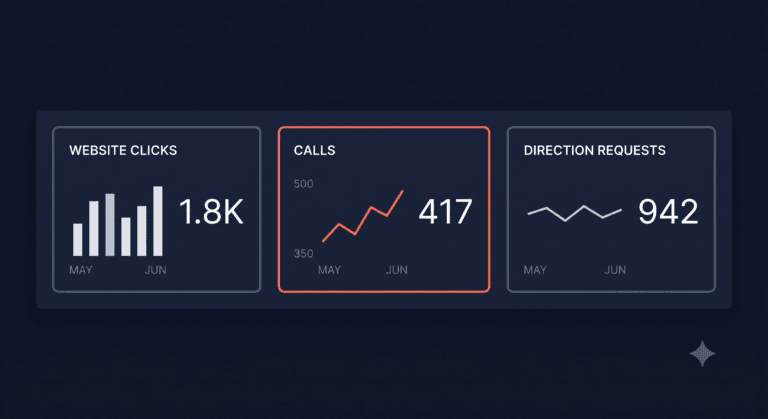
Adding photos to your Google Business Profile is one of the fastest ways a tradesperson can improve their listing, and Google’s own data shows that profiles with photos receive 42% more requests for directions and 35% more website clicks than those without. This guide covers exactly which photos to add, how many you need, and what actually makes a difference.
TL;DR:
Upload at least ten photos when you set up your profile, then add new ones regularly. Include completed job photos, your van, and your team. Use real photos from your phone, not stock images. Add a new photo at least once a week to keep your profile looking active.
Contents
- Do photos actually help your GBP ranking?
- What photos to add
- How many photos do you need?
- How to upload photos
- What Google and customers actually want
- What not to upload
- FAQ
Do Photos Actually Help Your GBP Ranking?
Yes, in two ways.
First, photo activity is a signal that your profile is active and maintained. Google rewards businesses that keep their profiles current. A profile with photos added this week looks very different from one where the last photo was uploaded eighteen months ago. Regular photo uploads feed into the prominence factor that Google uses to rank local listings, the same signal that reviews and posts contribute to.
Second, photos directly influence whether a customer calls you. When someone finds your profile in the Local Pack and clicks through, the first thing they see is your photos. A gallery of real, recent job photos tells them your work is genuine and your business is busy. An empty photo section, or a profile with only a logo, gives them nothing to build confidence on. Many customers click away without calling.
For the full picture of how photos sit within your broader optimisation strategy, see how to optimise your Google Business Profile to rank in the Local Pack.
What Photos to Add
These are the categories that matter most for a trades business:
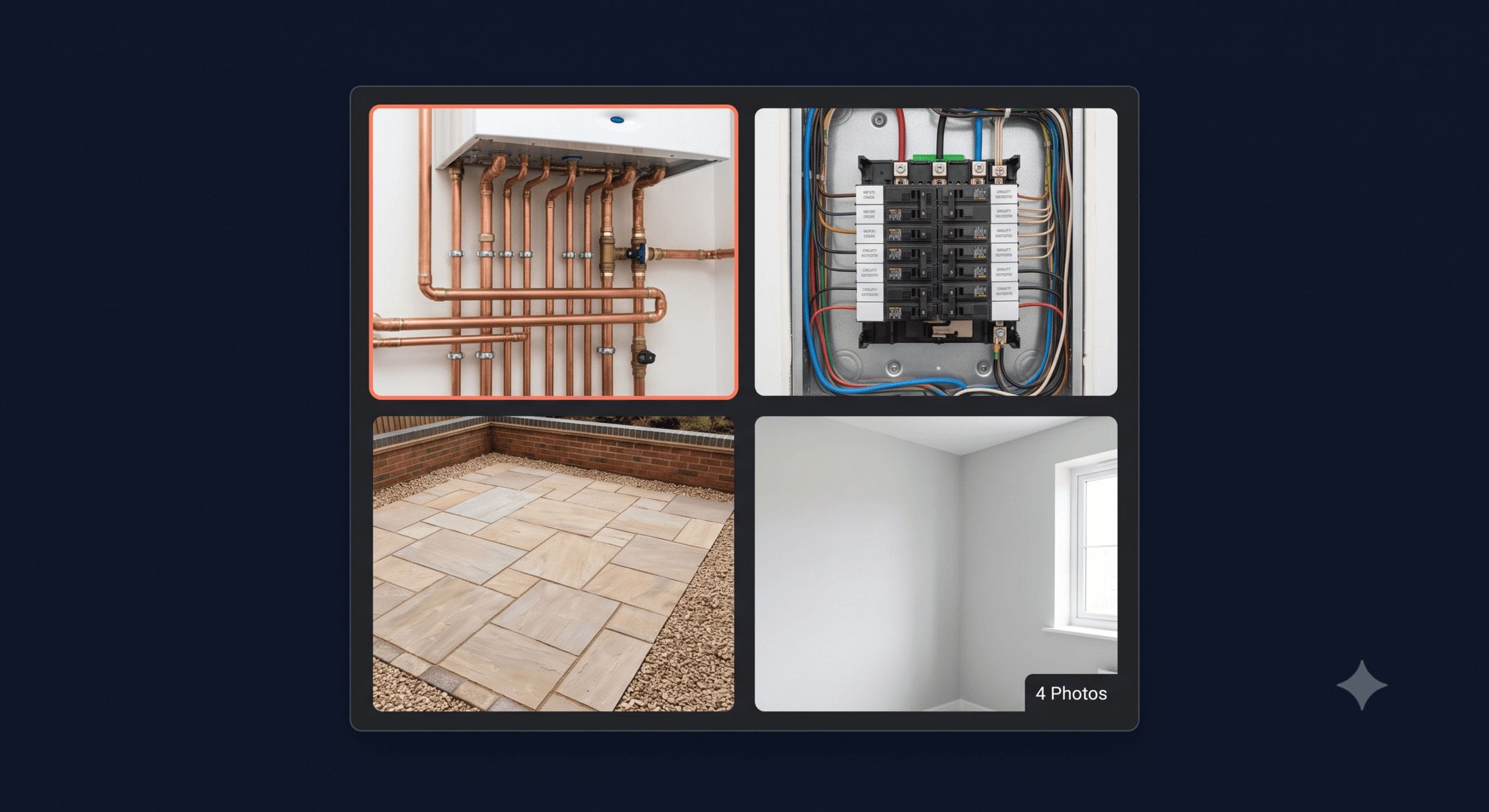
Completed job photos. These are your most valuable photos. Before and after shots work especially well because they show the transformation and prove the quality of your work. Even without a “before”, a clean photo of a finished job is far more persuasive than any marketing copy.
Your van or vehicles. A branded van photo helps customers recognise you when you turn up and reinforces that you’re a legitimate, established business. It also helps Google connect your visual identity to your location and service area.
Your team. A photo of you or your team at work (not posed, just getting on with a job) makes your business feel human. Customers are letting tradespeople into their homes. A face helps.
Tools and equipment. Professional-looking equipment signals that you take the work seriously. A photo of a well-maintained van racking system or specialist tools specific to your trade can reinforce expertise.
Certifications or accreditations (as a photo). A photo of your Gas Safe card, NICEIC certificate, or similar accreditation displayed on your profile adds a layer of credibility that some competitors skip entirely.
How Many Photos Do You Need?
Aim for at least ten photos before you consider your profile properly set up. That’s the minimum for a profile that looks complete rather than sparse.
Beyond the initial ten, the number matters less than the regularity. A profile with 15 photos updated in the last month looks more active than one with 50 photos all uploaded two years ago. Google treats recency as a quality signal.
A realistic target for an active trades business: two to three new photos per week. That’s one or two job photos and occasionally a team or equipment photo. After three months, you’ll have a gallery of 30 or more images that tells a clear story of a busy, working business.
How to Upload Photos
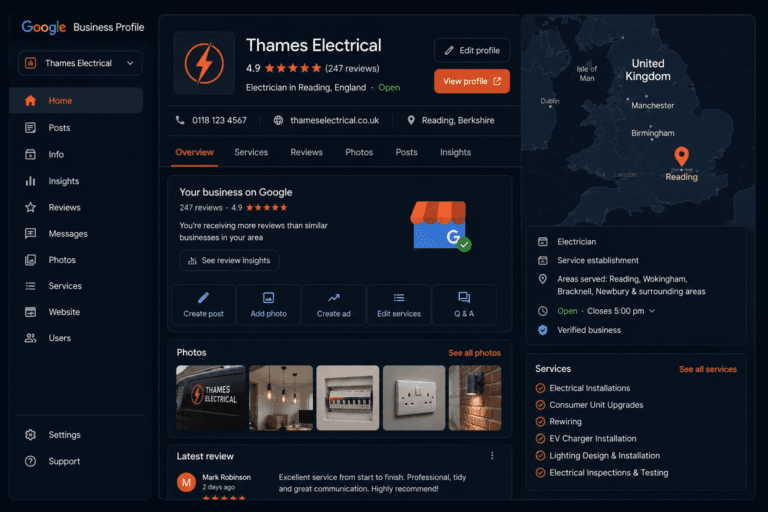
Open business.google.com on desktop or the Google Maps app on your phone. Go to your profile and find the Photos section.
From desktop: click Add photos and upload from your files.
From the Google Maps app: tap your profile, select Add photo, and choose from your camera roll or take one on the spot.
The quickest habit: take a photo at the end of every job before you pack up, then upload it from the Google Maps app on the drive home or that evening. Two minutes, once a job. Over a month of regular work, your gallery fills up fast.
You can also add photos to specific posts rather than just the main gallery. See how to use Google Business Profile posts effectively for how posts and photos work together to build your profile’s activity signal.
What Google and Customers Actually Want
Real photos beat polished ones. A photo taken on an iPhone of a finished bathroom refit is more useful than a professionally shot hero image. Customers want to see your actual work, not a showroom. Google’s systems also flag stock photography, so real photos are safer as well as more effective.
Landscape orientation works better. Photos displayed in Google’s interface crop to a landscape format. Portrait photos often get awkwardly cropped. Shoot landscape where you can.
Good light makes a real difference. You don’t need a camera, but you do need decent light. Natural daylight or a well-lit room produces photos that look professional without any effort. A dark, blurry photo of a finished job does more harm than good.
File format and size. Google accepts JPG and PNG files. Keep file sizes between 10KB and 5MB. Most phone photos fall within this range automatically.
What Not to Upload
Stock images. Google detects them and customers ignore them. They add no value.
Blurry or poorly lit photos. A bad photo of your work can actively create doubt. If a photo doesn’t look good enough to show a potential customer, don’t upload it.
Photos with text overlays. Promotional text pasted onto images looks like an advert and reduces trust. Let the work speak.
Personal photos. Your profile gallery should reflect your business, not your life outside it.
Photos that include customers without their consent. If a customer appears in a job photo, get their permission before uploading, or crop them out.
FAQ
Do photos help Google Business Profile ranking?
Yes. Profiles with photos receive significantly more engagement than those without, and regular photo uploads signal to Google that your listing is active. Activity feeds into the prominence factor Google uses to rank listings in the Local Pack.
What photos should a tradesperson add to Google?
Completed job photos are the most valuable, especially before and after shots. Also add photos of your van, your team at work, and any accreditation certificates. Real photos from your phone outperform stock images every time.
How many photos should I have on my Google Business Profile?
Start with at least ten. After that, regularity matters more than total count. Aim to add two to three new photos per week. A profile with recent photos uploaded this week looks more active than one with many photos all added a year ago.
Does it matter what type of photos I upload?
Yes. Job photos showing your actual work are the most persuasive for customers and the most useful for Google. Avoid stock images, blurry shots, and photos with promotional text overlays.
Can I add photos from my phone?
Yes. The Google Maps app lets you add photos directly from your camera roll or take one on the spot. It’s the fastest method for keeping your profile updated after each job.
How often should I add photos to my GBP?
At least once a week. Two to three times a week is better. The habit of taking a photo at the end of every job and uploading it the same day is the simplest system that works.
The Bottom Line
Photos are one of the lowest-effort, highest-impact things you can do for your Google Business Profile. Take a photo at the end of each job. Upload it the same day. Do that consistently and within a few months your profile looks like what it is: a busy, active trades business with real work behind it.
That’s what gets customers to call.
Want to see how your profile looks to customers searching for your trade right now? Get your free Local Visibility Report at neonlobster.ai/local-visibility-report/ and I’ll show you exactly what they see.
From Gigi, The Neon Lobster
Want to know exactly where you stand in local search?
We’ll scan your Google Business Profile, your reviews, and your map pack visibility. Then we’ll send you a personalised Local Visibility Report showing what’s working, what’s missing, and what it’s quietly costing you each month. It’s free, it takes two minutes to fill in, and you’ll have your report the same day.
Get My Free Local Visibility Report →No sales call. No obligation. Just honest numbers about where you stand online.