The Best Google Business Profile Categories for UK Tradespeople
Your Google Business Profile category is one of the most important settings in your entire listing, and getting it wrong means you won’t appear in the searches that matter for your trade. This guide covers the best Google Business Profile categories for tradespeople in the UK, trade by trade, so you can get it right first time.
TL;DR:
Choose the most specific category that matches your main trade. “Gas Engineer” beats “Plumber” for gas work. “Electrician” beats “Contractor”. Add secondary categories to cover additional services. Get your primary category wrong and you’re invisible to the customers you most want to reach.
Contents
- Why your GBP category matters
- Primary vs secondary categories
- Best categories by trade
- How to change your GBP category
- FAQ
Why Your GBP Category Matters
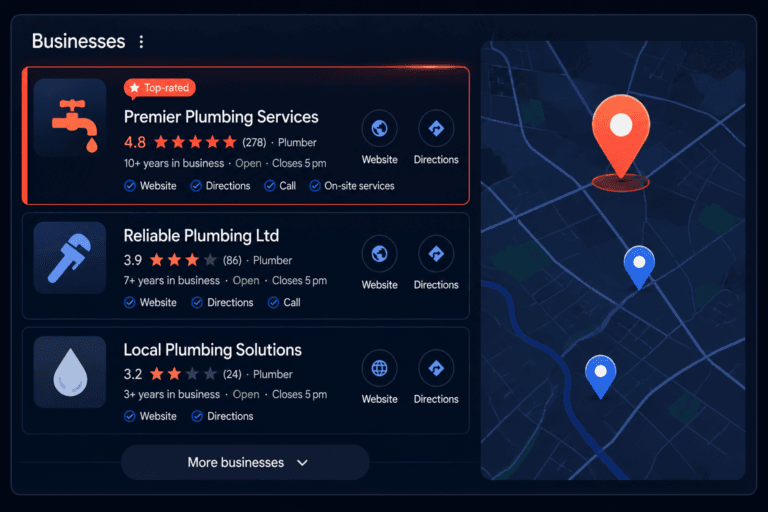
When someone searches “boiler repair near me”, Google matches that search against the categories of nearby businesses. If your primary category is “Contractor” rather than “Gas Engineer” or “Plumber”, you’re at a significant disadvantage for that search, even if your profile is otherwise excellent.
Category is one of the few fields in your Google Business Profile that Google weights heavily for relevance. It’s the shorthand Google uses to understand what your business fundamentally is. Everything else, your services, your description, your posts, adds detail around that core signal.
For a full breakdown of how categories fit into your wider profile optimisation, see how to optimise your Google Business Profile to rank in the Local Pack.
Primary vs Secondary Categories
You get one primary category and up to nine secondary categories.
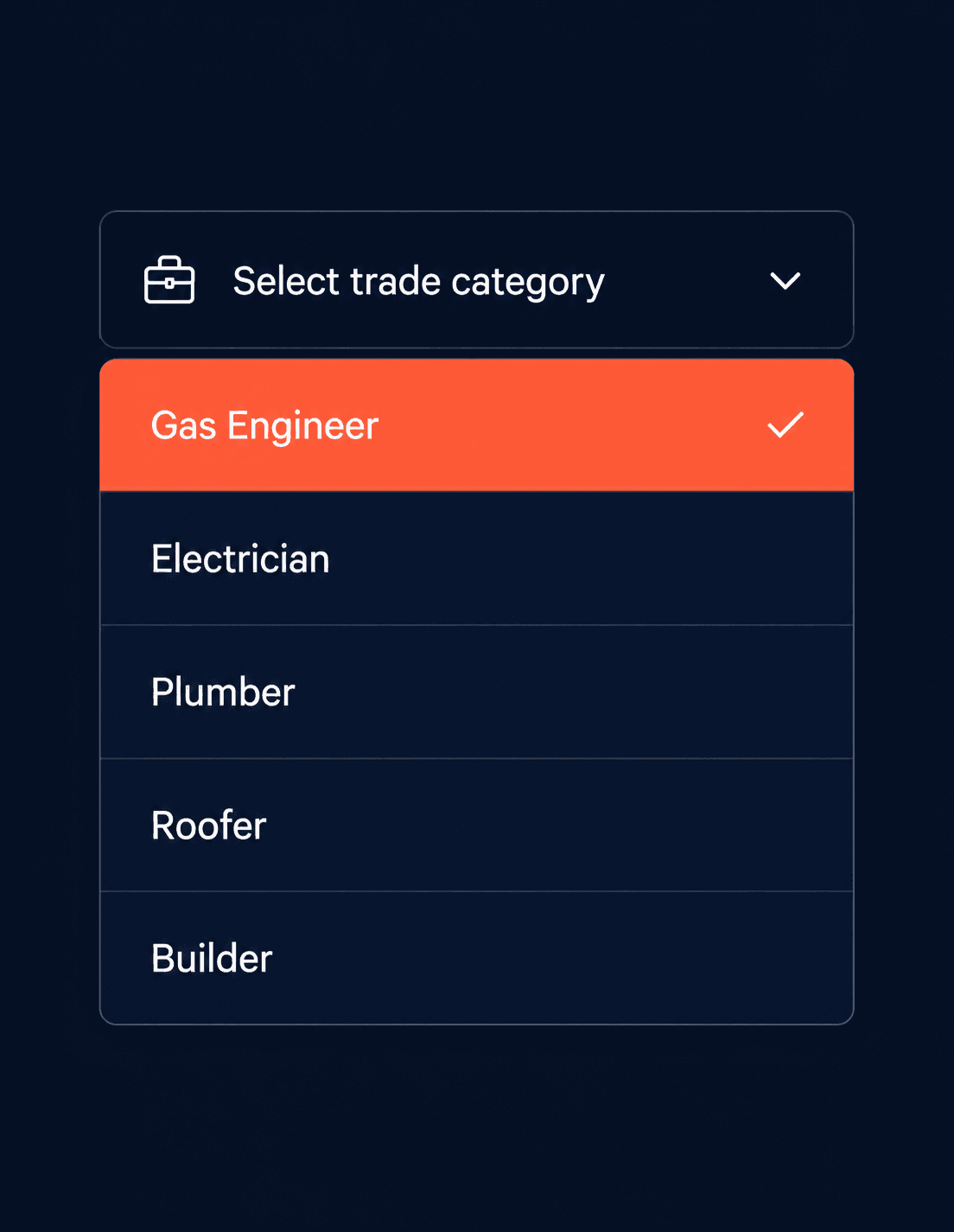
Your primary category carries the most weight. It should reflect your core trade, the one service you’re best known for and most want to rank for. Be as specific as possible. If Google offers “Gas Engineer” and you’re a gas engineer, use that over the broader “Plumber”.
Secondary categories let you cover the other work you do. A heating engineer might add “Boiler Supplier”, “Plumber”, and “Central Heating Service” as secondary categories. An electrician might add “Lighting Contractor” or “Smart Home Installer”.
Only add secondary categories that genuinely apply to your business. Irrelevant categories don’t improve your ranking and can create inconsistencies that Google notices.
Best Categories by Trade
Plumbers
Primary category: Plumber
Secondary categories to consider: Drainage Service, Bathroom Remodeler, Hot Water System Supplier, Emergency Plumber (where available)
If the majority of your work is gas or heating rather than general plumbing, consider “Gas Engineer” or “Heating Contractor” as your primary instead. Use “Plumber” as a secondary in that case.
Electricians
Primary category: Electrician
Secondary categories to consider: Electrical Installation Service, Lighting Contractor, Fire Alarm Supplier, EV Charging Station (if you install them), Smart Home Installer
Avoid setting “Contractor” as your primary. It’s too broad and puts you in competition with every trade rather than specifically with other electricians.
Gas Engineers and Heating Engineers
Primary category: Gas Engineer (for gas-focused work) or Heating Contractor (for broader heating systems work)
Secondary categories to consider: Plumber, Boiler Supplier, Central Heating Service, Fireplace Manufacturer (if you fit fires and stoves)
“Heating Contractor” is a good primary if you work across gas, oil, and heat pump systems. If your work is predominantly gas, “Gas Engineer” is more specific and performs better for gas-related searches.
Builders and General Contractors
Primary category: General Contractor
Secondary categories to consider: Builder, Home Builder, Renovation Company, Loft Conversion Service, Extension Builder (where available)
If your business specialises in one area, such as extensions or loft conversions, consider whether a more specific category exists. The more targeted your primary category, the more relevant you appear for those specific searches.
Roofers
Primary category: Roofing Contractor
Secondary categories to consider: Gutter Cleaning Service, Chimney Sweep, Waterproofing Company (if applicable)
“Roofer” is not currently a standalone category in Google’s list for the UK. “Roofing Contractor” is the standard option and performs well.
Plasterers
Primary category: Plasterer
Secondary categories to consider: Drywall Contractor, Painter (if you offer decorating as well)
This is one of the more specific categories Google offers and it works well. Use it directly.
Painters and Decorators
Primary category: Painter
Secondary categories to consider: Decorator (where available as a separate listing), Interior Designer (only if genuinely applicable)
Some tradespeople in this category also list “House Painter” or “Commercial Painter” as secondary options depending on the type of work they take on.
Landscapers and Gardeners
Primary category: Landscaper (for design and build work) or Gardener (for ongoing maintenance)
Secondary categories to consider: Lawn Care Service, Tree Service, Patio Contractor, Fencing Contractor, Garden Designer
The distinction between “Landscaper” and “Gardener” matters here. Landscaper tends to attract searches for larger projects. Gardener attracts searches for regular maintenance and smaller jobs. Choose the one that best reflects the majority of your work.
How to Change Your GBP Category
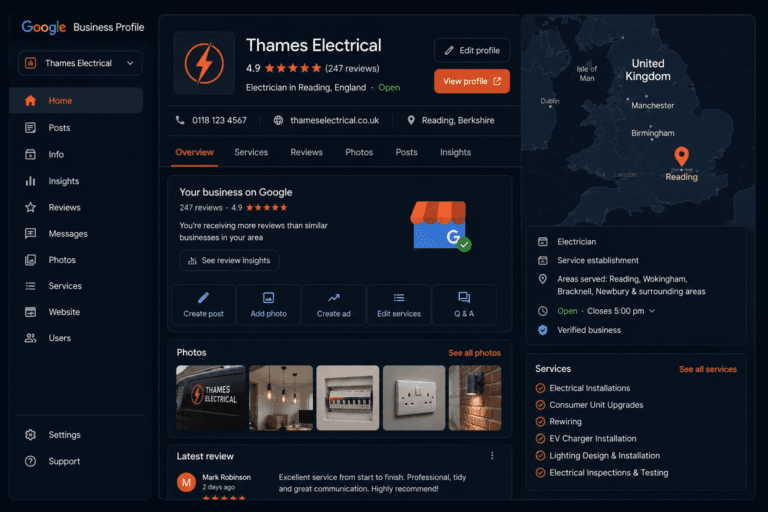
Log in to your Google Business Profile at business.google.com. Go to Edit profile, then select Business category. You can update your primary category and add or remove secondary categories here.
Changes to your primary category can temporarily affect your ranking while Google reprocesses your listing. This usually settles within a week or two. Don’t change your primary category repeatedly; pick the right one and leave it.
If you haven’t set up your profile yet, our setup guide walks you through the whole process from scratch, including choosing your category as part of the initial setup.
FAQ
What category should I use for my Google Business Profile?
Use the most specific category that matches your main trade. Google offers specific options for most trades. Search for your trade name in the category field during setup and choose the closest match. “Gas Engineer” is better than “Plumber” for gas work. “Electrician” is better than “Contractor” for electrical work.
Can I have multiple categories on Google Business Profile?
Yes. You can have one primary category and up to nine secondary categories. Your primary category carries the most ranking weight. Secondary categories let you appear in searches for your other services. Only add categories that genuinely apply to what you do.
Does changing my GBP category affect my ranking?
Yes, in two ways. Choosing a more relevant primary category improves your ranking for searches that match it. Changing your category can cause a short-term fluctuation while Google reprocesses your listing. This usually resolves within a week or two.
What if the right category for my trade isn’t available?
Google’s category list is extensive but not exhaustive. If an exact match isn’t available, choose the closest specific option and use your services list and business description to make clear what you do. Secondary categories can also help fill the gap.
Should I add my location to my GBP category?
No. Categories are preset options from Google’s list. You don’t add location keywords to them. Your service area field handles location. Trying to modify category names is against Google’s guidelines and won’t work.
The Bottom Line
Your primary category is the foundation your entire Google Business Profile ranking sits on. Get it right and everything else you do, reviews, photos, posts, optimisation, builds on a solid base. Get it wrong and you’re working against yourself from the start.
Take five minutes today to check your current primary category. If it’s not as specific as it could be, update it. It’s one of the highest-impact changes you can make for the least amount of effort.
For everything else that goes into a well-optimised listing, the full GBP optimisation guide covers it step by step.
From Gigi, The Neon Lobster
Want to know exactly where you stand in local search?
We’ll scan your Google Business Profile, your reviews, and your map pack visibility. Then we’ll send you a personalised Local Visibility Report showing what’s working, what’s missing, and what it’s quietly costing you each month. It’s free, it takes two minutes to fill in, and you’ll have your report the same day.
Get My Free Local Visibility Report →No sales call. No obligation. Just honest numbers about where you stand online.