How to Use Google Business Profile Posts to Win More Trade Enquiries
Google Business Profile posts let tradespeople share updates directly on their Google listing, and used consistently they keep your profile active, build trust with customers who find you, and send a signal to Google that your business is maintained. This guide covers what to post, how often, and the types of posts that actually move the needle for trades businesses.
TL;DR:
Post at least once a week on your Google Business Profile. Use photos of completed jobs, seasonal service reminders, and offers. Posts expire after seven days, so consistency matters more than quality. A steady feed of recent activity tells both Google and potential customers that your business is live and busy.
Contents
- What are Google Business Profile posts?
- Do posts help your ranking?
- What to post as a tradesperson
- How often to post
- How to write a post that gets results
- What not to do
- FAQ
What Are Google Business Profile Posts?
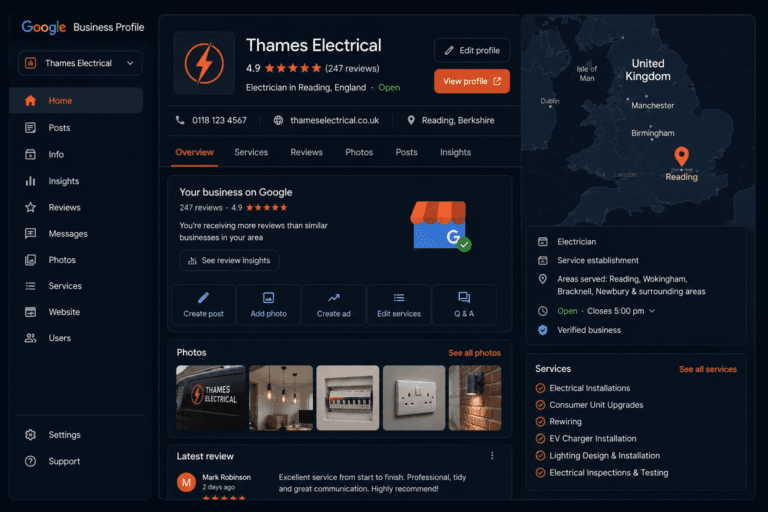
Google Business Profile posts are short updates that appear on your listing when someone finds you on Google Search or Google Maps. They sit in a feed below your business details, visible to anyone who clicks on your profile.
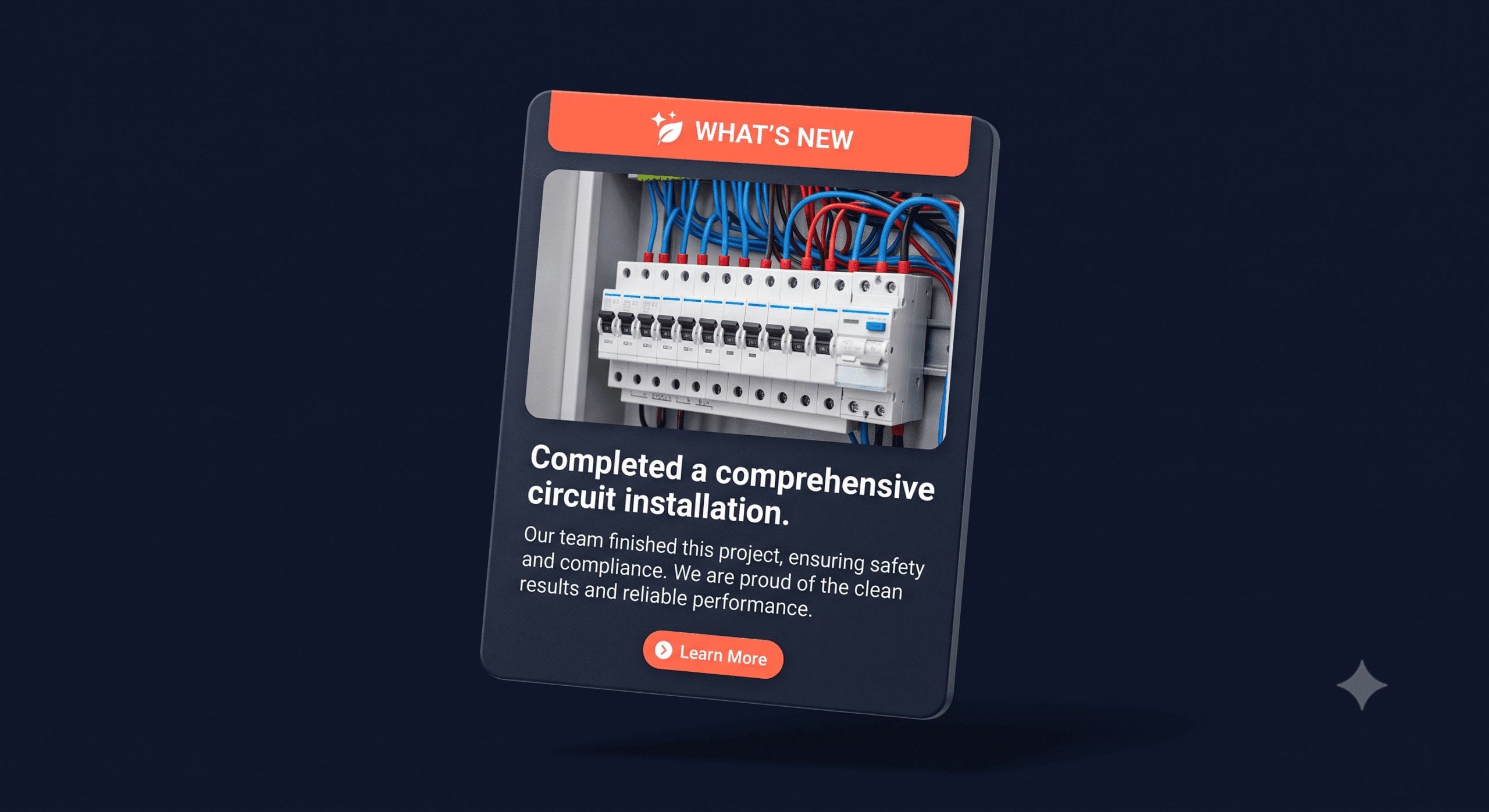
Posts can include a photo, a short block of text, and an optional button linking to your website or a specific page. They look similar to a basic social media post, but they appear directly in Google search results rather than on a separate platform.
Each post stays live for seven days before it expires and drops off your visible feed. Google keeps an archive of older posts, but only the most recent ones show prominently.
Do Posts Help Your Ranking?
Google doesn’t confirm that posts directly boost your Local Pack ranking, but there’s strong evidence they contribute indirectly.
Regular posting is a clear signal of an active, maintained business. Google consistently rewards businesses that keep their profiles up to date, and a profile with a regular post history looks very different to one last updated six months ago. Activity, across posts, photos, and review responses, feeds into the prominence signal that Google uses to rank local listings.
The more direct benefit is what happens when a customer lands on your profile. A feed of recent completed jobs, with photos, tells them your business is busy, your work looks good, and you’re operating right now. That confidence converts into calls.
For a full breakdown of how posts fit into your wider profile strategy, see how to optimise your Google Business Profile to rank in the Local Pack.
What to Post as a Tradesperson
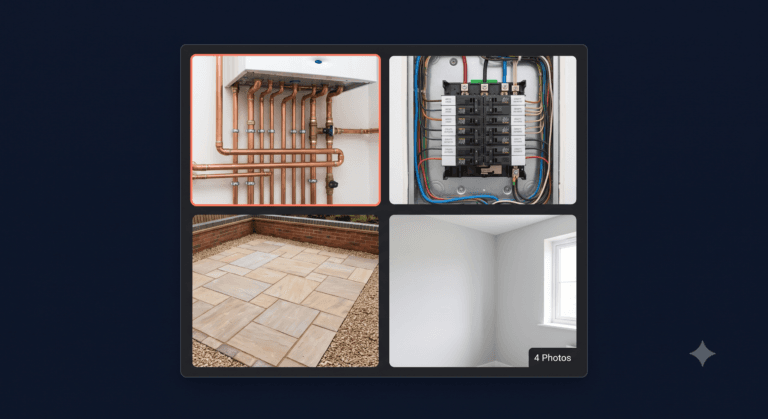
The simplest and most effective content for any tradesperson is a photo of a recently completed job with a brief description. That’s it. You don’t need to be a copywriter. You need a camera and a habit.
Here are the post types that work well:
Completed job posts. A photo of the finished work, the town or area it was in, what the job involved, and ideally the outcome for the customer. “Just finished a full bathroom refit in Harrogate. New suite, tiling, and all pipework. Ready for the next one.” Short, specific, real.
Seasonal service reminders. Boiler services before winter. Gutter clearing in autumn. Outdoor tap insulation before a cold snap. These posts match what customers are already thinking about and position you as the obvious person to call.
Offers or promotions. If you’re running a discounted boiler service in October, or a free quote for new builds in your area, a post is the right place to put it. Use the “Offer” post type in your profile so it displays with a highlighted label.
Answers to common questions. A post that briefly answers “How long does a boiler service take?” or “Do I need a Gas Safe engineer for a landlord certificate?” shows expertise and catches customers at the research stage.
Local landmarks or areas. Mentioning the town or area in your post helps Google connect your activity to that location. “Finished a rewire in a Victorian terrace in Didsbury today” is more useful than “finished another rewire”.
How Often to Post
Post at least once a week. Since posts expire after seven days, a gap in posting leaves your feed empty. An empty feed is a missed opportunity every time someone looks at your profile.
Once a week is the minimum. Two to three times a week is better, especially if you want to cover multiple service types or locations. The good news is that each post takes two to three minutes if you already have a photo from the job.
The easiest system: take a photo at the end of every job, send it to yourself, and batch your posts once or twice a week. Five minutes on a Tuesday evening is enough to keep the feed live for the week.
How to Write a Post That Gets Results
Keep it short and specific. Three to five sentences is enough. The photo does most of the work.
Structure that works:
- What the job was (one sentence, specific trade term and location)
- What it involved (one or two sentences of detail)
- A soft call to action (one sentence inviting enquiries)
Example: “New boiler installation in Salford today. Replaced an old back boiler with a Worcester Bosch combi, including new pipework and controls. If your boiler is over 15 years old, it may be worth a service before winter. Call us for a free quote.”
A few things that improve every post:
- Include the town or area in the first sentence. This reinforces your local relevance for that location.
- Use the job type in the text. “Boiler installation” and “new boiler” both help Google understand what the post is about.
- Use a real photo, not a stock image. Customers recognise stock photography immediately. A slightly imperfect photo of real work builds more trust than a perfect image that looks generic.
- Add a button. The “Learn more” or “Call now” button at the bottom of a post gives customers a direct action to take. Link it to your website or your enquiries page.
What Not to Do
A few habits that waste your time or actively hurt your profile:
Don’t keyword-stuff your posts. Writing “plumber Leeds, boiler repair Leeds, emergency plumber Leeds” in your post text looks unnatural and reads badly to customers. Write like a human.
Don’t post the same thing repeatedly. Copying and pasting the same post each week sends a low-quality signal. Vary the job type, location, and photo.
Don’t ignore the photo. A text-only post gets significantly less engagement than one with an image. Always include a photo.
Don’t post then disappear for three weeks. Consistency is the only thing that makes the posts strategy work. One good month of posting followed by silence is worse than steady, unremarkable posts every week.
FAQ
Do Google Business Profile posts improve rankings?
Not directly, but they contribute to the prominence signal Google uses to rank listings. Regular posting shows Google your business is active and maintained. It also makes your profile more convincing to customers who find you, which leads to more clicks and calls.
What should I post on Google Business Profile as a tradesperson?
Photos of completed jobs with a brief description are the most effective content. Also post seasonal service reminders, answers to common customer questions, and any offers you’re running. Keep it short, specific, and include the area you worked in.
How often should I post on Google Business Profile?
At least once a week. Posts expire after seven days, so a gap in posting leaves your feed empty. Two to three times a week is better if you can manage it. Taking a photo at the end of each job and batching your posts weekly is the easiest system.
How long do Google Business Profile posts last?
Seven days. After that they expire and drop off the visible feed on your listing. Google keeps an archive, but only recent posts show prominently. This is why consistent weekly posting matters more than occasional high-effort posts.
Can I schedule Google Business Profile posts in advance?
Not natively through Google’s own interface. Some third-party tools allow scheduling, including Google’s own Business Profile Manager via the desktop interface, which allows drafts. Most tradespeople find it easier to post in real time from the Google Maps app on their phone immediately after a job.
Does the type of post matter?
Yes. Google offers several post types: What’s new, Event, Offer, and Product. For tradespeople, “What’s new” works for completed jobs and general updates. “Offer” works for promotions and gets a highlighted display. “Event” works if you’re running open days or local events. Use the right type for what you’re posting.
Should I add a call-to-action button to every post?
Yes, where relevant. A “Call now” or “Learn more” button gives customers a direct next step. Link “Learn more” to your website or a relevant service page. It takes five seconds to add and measurably increases the number of people who take action after reading your post.
The Bottom Line
Google Business Profile posts are one of the easiest wins available to a tradesperson. A photo from today’s job, three sentences of text, and a button takes less time than a cup of tea. Done weekly, it keeps your profile looking active, signals to Google that your business is alive, and gives every customer who finds you something recent to look at before they call.
Start this week. Take a photo from your next job and post it before you drive home.
For a full picture of everything that goes into a well-performing Google listing, see how to optimise your Google Business Profile to rank in the Local Pack.
Want to know how your profile looks to a customer searching for your trade right now? Get your free Local Visibility Report at neonlobster.ai/local-visibility-report/ and I’ll show you exactly what they see.
From Gigi, The Neon Lobster
Want to know exactly where you stand in local search?
We’ll scan your Google Business Profile, your reviews, and your map pack visibility. Then we’ll send you a personalised Local Visibility Report showing what’s working, what’s missing, and what it’s quietly costing you each month. It’s free, it takes two minutes to fill in, and you’ll have your report the same day.
Get My Free Local Visibility Report →No sales call. No obligation. Just honest numbers about where you stand online.